
Walmart’s Spark Driver program allows independent contractors to deliver Walmart and partner-store orders using the Spark Driver app.
Enrollment is completed online, requires identity and insurance verification, and may include a background check.
This Walmart Spark Driver application guide explains the requirements, documents to prepare, and each step of the application.
How Spark Driver Works (in brief)
Spark Driver connects you, as an independent contractor, with delivery offers in your selected “zone.”
Each offer shows the pickup location, drop-off window, mileage or stops, and an estimated earnings amount.
You choose which offers to accept and when to go online. Your pay is a mix of base trip earnings, tips, and time-limited incentives.
You manage everything—documents, zone selection, and payouts—inside the app.
Eligibility and Basic Requirements
You must be at least 18 and legally able to contract as an independent contractor in the United States.
You must have access to a clean, reliable passenger vehicle and carry valid auto insurance for that vehicle.
Motorcycles, motorized bicycles, and motorized scooters are generally not permitted for Spark deliveries.
A GPS-enabled smartphone with a working camera and flash is required (recent iOS or Android).
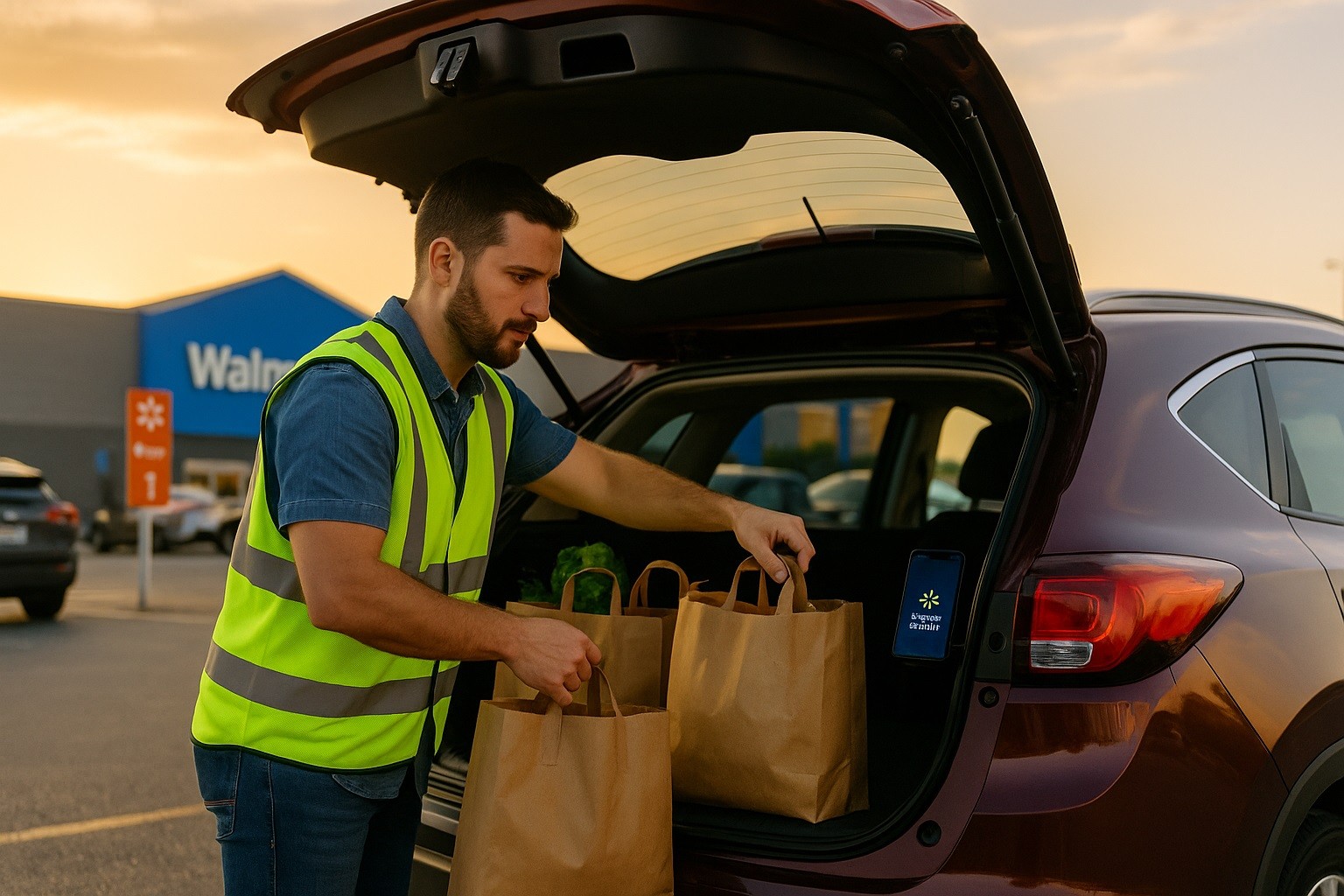
Walmart Spark Driver Application Guide
Having these items ready reduces back-and-forth during verification and can shorten the time to approval.
- Driver’s license (unexpired, state-issued).
- Social Security number (and your Social Security card if requested for confirmation).
- Proof of auto insurance (clear photo showing your name, expiration date, and vehicle information).
- Mobile phone (camera, flash, GPS) and a working U.S. phone number.
- Vehicle details (make, model, and readiness for multi-stop deliveries).
Step 1 — Create your account
Visit the official Spark Driver sign-up page and choose Sign Up.
Enter your mobile number or email, then confirm with the one-time code sent to you.
Create your profile with your legal name and preferred delivery zone.
Step 2 — Select your delivery zone
Pick the geographic “zone” where you plan to deliver. If the zone is at capacity, you can join a waitlist and get notified when openings occur.
You can also select a nearby zone to start sooner and switch later if needed.
Step 3 — Complete the onboarding checklist
Provide your personal details, including your SSN, for screening.
Review the onboarding tasks in the app’s checklist to make sure nothing is missing before submission.
Step 4 — Upload your auto insurance
Use the app’s camera tool to upload a legible image of your insurance card or policy page.
Ensure the photo is upright and shows your name, vehicle info, and policy expiration. Retake photos if they’re dim, cropped, or blurry.
Step 5 — Verify your identity
Follow the in-app prompts to take a selfie and confirm your driver’s license (and Social Security card if requested).
Use good lighting and a plain background. Avoid hats, sunglasses, or face coverings.
Step 6 — Review and sign agreements
Electronically sign the independent contractor agreement, app terms of use, and any required confidentiality acknowledgments.
Save copies for your records.
Step 7 — Background check and approval
After you submit your documents, the system processes your application and initiates a background check where required.
You can track progress in your Profile or Enrollment Checklist. If you joined a waitlist, you’ll receive an SMS or email when your zone opens.
Step 8 — Download the app and log in
Once approved, install the Spark Driver app (iOS or Android), log in with your credentials, and walk through the first-time setup.
Confirm your payout preferences, enable notifications, and review the in-app tutorials on delivery types and navigation.
Background Check: What to Expect
Most checks review criminal history and driving records in line with local laws.
Turnaround depends on court and DMV response times; some markets process in a few days while others take longer.
You’ll be notified if additional information is needed.
Keep your phone reachable and your email monitored so you can respond quickly to any requests for clarification.
Tips to Speed Up Approval and Succeed in Week One
Remember, processing time varies by jurisdiction.
- Submit perfect document photos. Retake any image with glare, shadow, or cut-off corners. Ensure your name, vehicle info, and expiration dates are visible.
- Nail the selfie verification. Use front-facing light, remove headwear and glasses, and keep the camera steady.
- Watch zone capacity. If you’re waitlisted, consider a nearby zone to start earning sooner. You can switch later.
- Enable notifications. Turn on SMS, email, and push alerts to avoid missing zone openings or incentive windows.
- Master order flow. Learn the difference between curbside pickup, in-store pickup, and multi-stop routes. Each has a slightly different check-in and staging routine.
- Organize your car. Keep collapsible bins, a small cooler bag for refrigerated items, and a phone mount. Clean cargo space improves speed and customer satisfaction.
- Plan peak times. Test mornings, late afternoons, and weekends to identify when your zone surges.
- Communicate clearly. If a drop-off is tricky (gated community, missing unit number), message the customer quickly and keep notes for future reference.
- Protect your ratings. Take clear delivery photos, confirm substitutions when applicable, and follow any proof-of-delivery steps precisely.
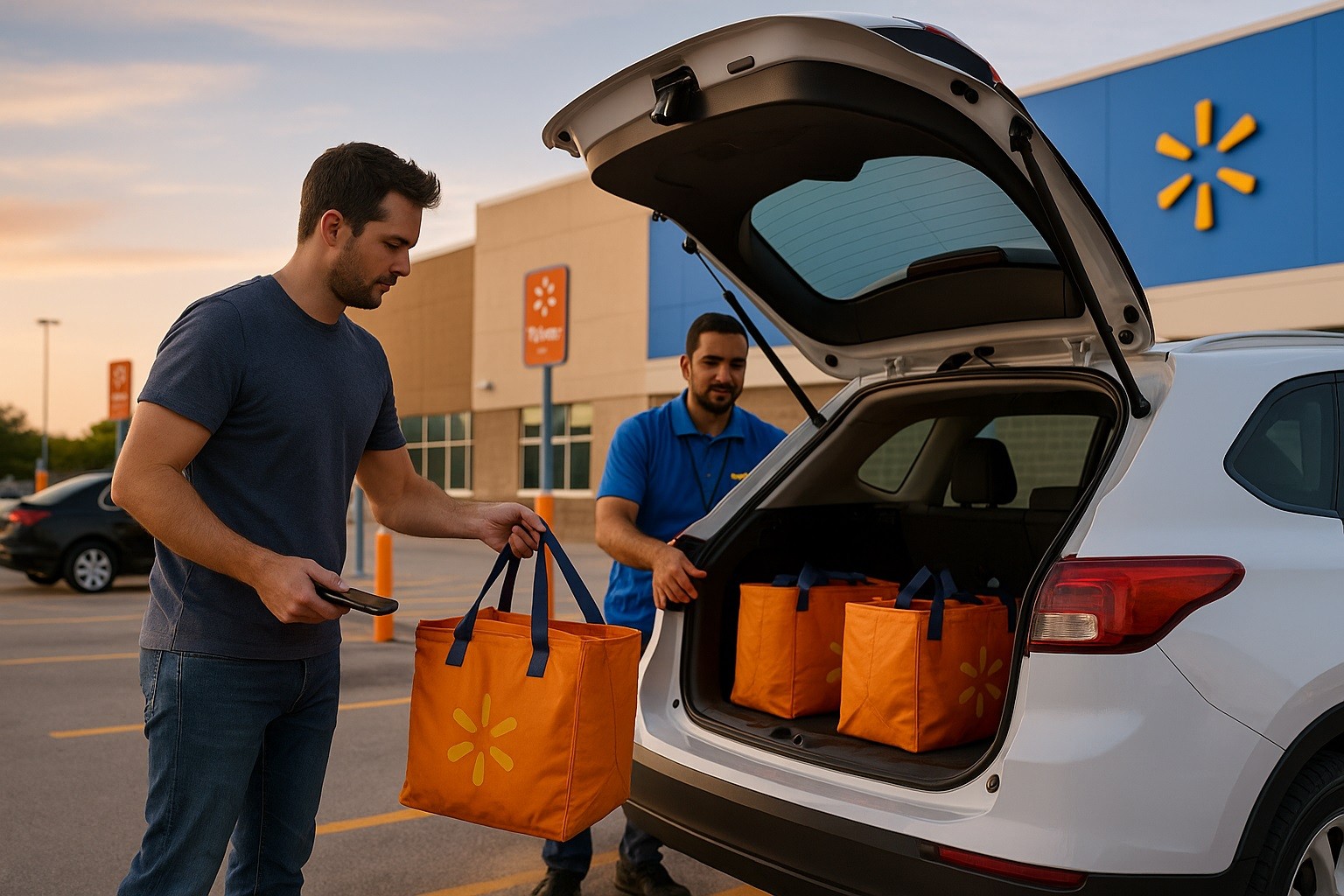
Troubleshooting and Support
If your application stalls, review your Enrollment Checklist for incomplete items. Re-upload any rejected documents with higher-quality images.
If your background check remains pending beyond the typical window, use the in-app help to request a status review.
For waitlist issues, confirm your notification settings and check periodically if a nearby zone is open.
For technical problems—login errors, camera permissions, app crashes—update your operating system, reinstall the app, and verify permissions.
Frequently Asked Quick Facts
How long does it take to get approved? Many drivers clear screening within a week, but local processing and zone availability can extend the wait.
Do I have to accept every order? No. You choose which offers to accept. Monitor your metrics, but focus on efficiency and completion quality.
Can I change zones later? Yes. You can request a zone change in the app if you relocate or find better demand nearby.
Do I keep tips? Yes. Drivers retain all customer-confirmed tips.
Bottom Line
With organized workflows and smart timing, you can ramp up quickly and make the most of the demand in your area.
Create your account, choose a zone, upload insurance, verify identity, sign the contractor agreement, and complete any required screening.
Follow this Walmart Spark Driver application guide. You control when and where you deliver, and your earnings combine trip pay, tips, and incentives.