You might be paying for services you no longer use, and those charges often go unnoticed for months. These forgotten payments slowly reduce your available income without warning.
Small recurring fees may seem harmless at first, but they add up over time. An invisible subscription cost can quietly drain your budget if you don’t review your statements regularly.
Digital Subscriptions That Renew Automatically
You might have signed up for these once and never checked back. Many of them keep charging you even when you’re no longer using them.
Cloud Storage and App Services
Cloud services and app upgrades often run in the background. These include upgrades like iCloud storage, Google One plans, and Dropbox subscriptions.
You may also have forgotten tools like Canva, Notion, or Grammarly with monthly or annual plans.
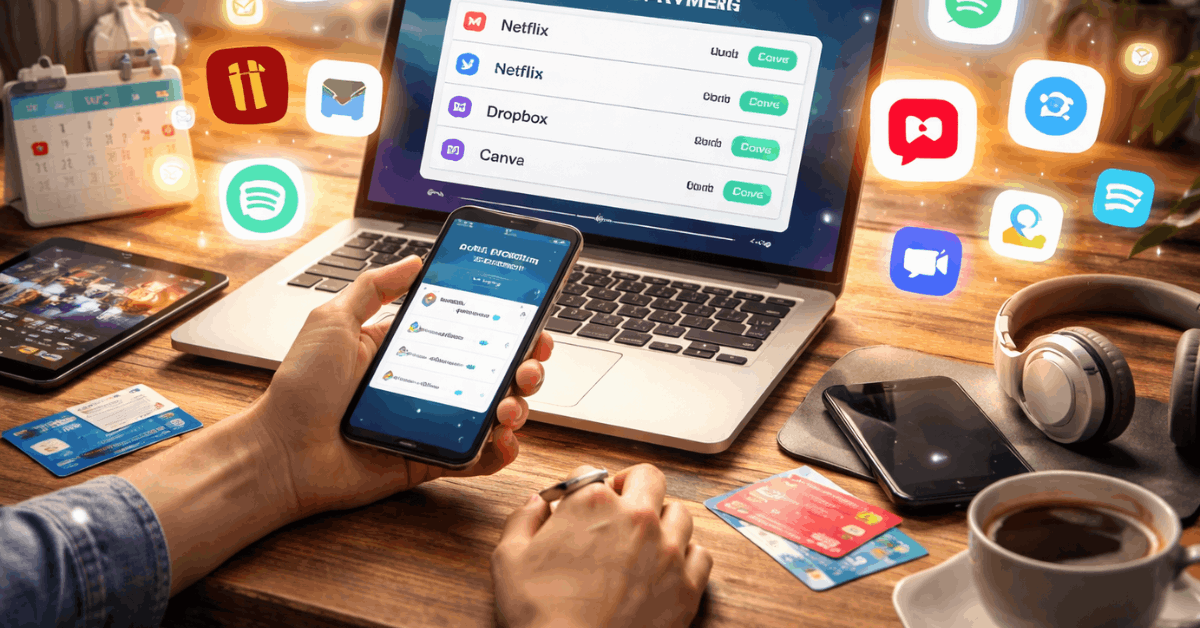
Even note-taking or habit-tracking apps can charge auto-renewal fees without notice. Review your app store billing settings to identify renewals.
Streaming Services You Rarely Use
Entertainment subscriptions can pile up fast. Maybe you kept Netflix for one show and never canceled. Spotify, Apple Music, and YouTube Premium might still bill you, even if you rarely open the app.
Game subscriptions like Xbox Game Pass or PlayStation Plus are easy to forget. These services often represent an invisible subscription cost, especially when bundled.
Health and Wellness Charges You Overlook
Many people keep paying for fitness and wellness apps they no longer use. Check your mobile devices or credit card statements for wellness-related charges.
Fitness and Meditation Apps
You may have tried Calm, Headspace, or a yoga training platform during a busy time. But many of these platforms charge monthly and don’t send reminders.
Home workout tools like Peloton Digital or personal trainer apps can also charge passively. Over time, the total cost adds up to more than you’d expect.
Banking and Credit Card Hidden Fees
Your financial tools may carry monthly charges that don’t appear obvious. These fees are often embedded in account management or special services.
Typical Hidden Banking Charges
Many basic accounts include monthly maintenance fees unless you meet balance or usage requirements. ATM withdrawals outside your bank’s network can trigger additional fees.
Overdraft protections may come with per-use costs or daily caps. Some checking accounts carry paper statement fees or transaction limits.
Credit Card Fees You Forgot
You might be paying for a premium card you no longer use. Annual fees for unused credit cards can stay active for years. Travel cards might charge foreign transaction fees or monthly usage charges.
Some credit cards also include accidental protection or roadside coverage billed monthly as part of an invisible subscription cost.
Device and Tech Coverage You Don’t Need
Insurance and protection plans often run quietly for years. You may be covering a device you no longer use or even own.
Phone and Electronics Insurance
Mobile carrier bills often include phone protection by default. Laptops and tablets may be covered by third-party providers such as Asurion or by extended store warranties.
If you changed devices but never canceled the plan, you’re still being charged. These fees can be buried in your telecom or credit card bills.
Smart Home and Cloud Monitoring Services
New-home tech often includes optional services that incur charges after a trial.
You might be paying for multiple overlapping tools.
Examples of Ongoing Home Tech Fees
Home security devices like Ring, Nest, or Blink may charge for cloud video storage. Smart thermostats can require a monthly plan to access full features.
Alarm systems often bill separately for monitoring or app access. These services may sound cheap at first but often total over R$100 per year combined.
Children’s Apps and Online Services
Your kids’ digital use can silently generate monthly costs. It’s easy to miss these charges when linked to a parent’s device.
Types of Charges to Check
Educational apps like ABCmouse, Epic!, or language tools often run recurring subscriptions. Games may have premium versions or ad-free upgrades billed monthly.
Streaming services like Netflix Kids or Disney Junior also charge if set up separately. These charges can feel small, but count as another invisible subscription cost.
Microtransactions and Auto Top-Ups
Certain apps include automatic refill systems or monthly packs. They often bypass traditional billing alerts.
Where These Charges Appear?
Mobile games may auto-charge for coins, tokens, or gems. Some budgeting tools offer auto-top-up premium access. Donation apps or loyalty platforms may auto-renew without consent prompts.
These expenses rarely show in your main inbox, making them easy to miss. Avoiding them requires manually reviewing your app permissions.
Old Insurance and Protection Plans
You may still be paying for policies that are no longer relevant. This includes coverage that’s duplicated or out of date.
Which Policies to Audit?
Check if you still need that old dental plan from a former employer. Pet insurance with reduced benefits may still be running.
Life insurance or accident coverage attached to a credit product might charge a monthly fee. Some platforms offer opt-in coverage during registration and never remind you to cancel.
Shopping and Browser Tool Charges
Online tools may offer discounts but charge quietly in the background. You may be signed up for services without realizing it.
Common Tools That Carry Fees
Browser extensions that promise coupons may upgrade to paid versions automatically. Tools such as Honey Gold, Capital One Shopping, and Rakuten sometimes offer paid features.
Email-based deal clubs can convert free trials into monthly subscriptions. This is another area where the invisible subscription cost is easy to miss.
Tech Platforms and Software You Abandoned
Digital projects leave behind subscription trails. You might still be billed for tools you don’t even log into.
Forgotten Tools That Still Charge
Trello, Asana, and Slack can carry legacy plans linked to an old project. Developer tools like Figma or hosting services such as Squarespace and GoDaddy may renew annually.
Even domains you no longer use can be auto-renewed if billing was left on. These types of charges usually appear once a year, making them harder to catch.
Storage and Photo Backup Charges
Digital storage grows without you noticing. Backup plans often auto-renew quietly in the background.
Places Where Storage Fees Accumulate
Google One, iCloud, and Amazon Photos each offer paid storage tiers. You might be paying for multiple services for the same files.
Many smartphone apps also offer photo vaults or video storage for a fee. If you’ve used multiple platforms across devices, these charges may overlap.
Email and Inbox Filtering Tools
Spam blockers and inbox management tools sometimes switch to paid plans. You may not realize when the free trial ends.
Subscription-Based Email Services
You may have used premium filters to organize business email or block spam. These tools often cost $3–$10 per month and renew automatically. Some newsletter filters also come with a monthly access fee. The charge may be small, but it adds up over time if unused.
Transit and Parking Auto-Billing
Commuters often forget about automated refills or access fees. These charges usually sit in transport or wallet apps.
Charges to Watch For
If you use public transport cards, toll tags, or bike shares, you might be auto-refilling monthly. Parking apps often carry recurring access plans or premium features.
Ride-hailing apps may include priority or premium memberships. These are easy to forget once the routine changes.
Retail and Delivery Memberships
Delivery and retail perks may sound free at first, but carry real costs. They can sneak onto your bill if you don’t opt out.
Memberships That Might Still Be Active
Grocery services like Instacart, Amazon Fresh, or Cornershop often include paid tiers. Restaurant delivery services may charge for priority access.

Big-box retailers sometimes include express delivery or premium benefits in a monthly bundle. These memberships often renew without warning.
Mobile Plan Add-Ons and Features
Mobile carriers often upsell small services. You might be paying for them without using them.
Extras That Increase Your Bill
Check for voicemail transcription, music streaming bundles, and security tools. Some phone plans include content subscriptions or premium storage.
Bundles may be listed as a vague “Value Add” or “Digital Service” charge. These small items increase your monthly total and may no longer be needed.
How to Catch and Cancel These Costs?
You need a reliable system to review and cancel hidden charges. Manual tracking is your best defense against waste.
- Review your bank and credit card statements from the last 3–6 months.
- Identify small repeated charges or unfamiliar merchants.
- Use a subscription-tracking app to list all active recurring payments.
- Cancel unused subscriptions immediately through the provider’s website or app.
- Turn off auto-renewal settings for services you want to control manually.
- Remove saved payment methods from platforms you no longer use.
- Set calendar reminders for trial expiration dates to avoid surprise charges.
Take Back Control of Your Budget
Start by checking your credit card and bank statements from the past few months. Look for repeated small charges or services you don’t recognize.
Use a subscription-tracking app to organize and review all recurring payments. Cancel what you don’t need and turn off auto-renew to avoid future invisible subscription cost issues.